






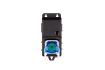
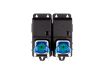


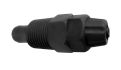
C800 Pro Inline Advanced Kit (6 Bar Version) Automatic pH Control + 2 Nutrients
The C800 Pro Inline Advanced Kit (6 Bar Version) is developed for growers and irrigation systems that require precise automatic pH and EC regulation inside a pressurized 40 mm PVC circulation loop installed in the batch tank. Equipped with 6 bar inline electrodes, the system ensures accurate measurements under pressure and controlled injection directly into the pipeline.
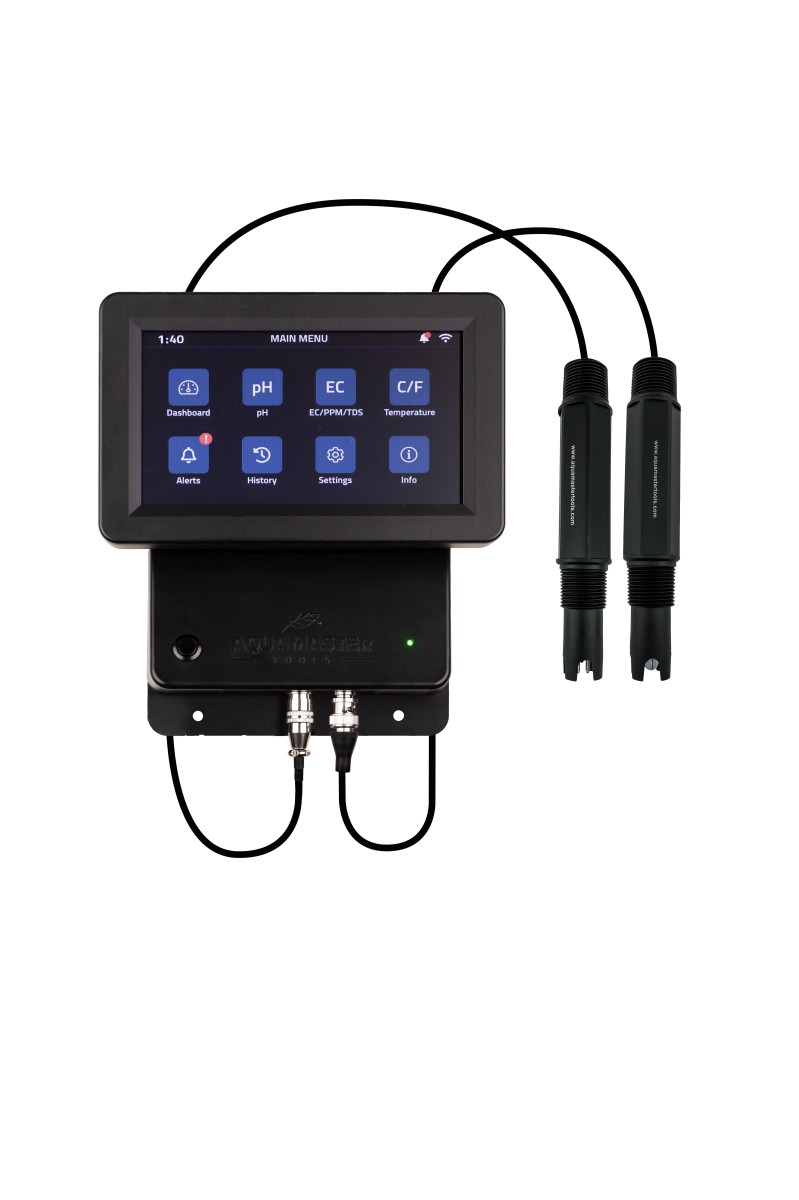
The controller continuously monitors pH, EC, PPM, TDS and temperature. When correction is required, the connected pumps automatically regulate pH and independently dose two nutrient components through dedicated injection valves.
Key Features
- High-pressure inline electrodes rated up to 6 bar
- Continuous monitoring of pH, EC, PPM, TDS and temperature
- Automatic pH correction
- Independent dosing of two nutrient components
- Separate UTP outputs for pH and EC pump control
- Color touchscreen with live values and alarm display
- Up to 12 months historical data storage
- Professional-grade stability
- Modular and expandable platform
Simultaneous Dosing Capacity
- pH adjusters: 1
- Nutrients: 2
- Total dosing channels: 3
What’s Included
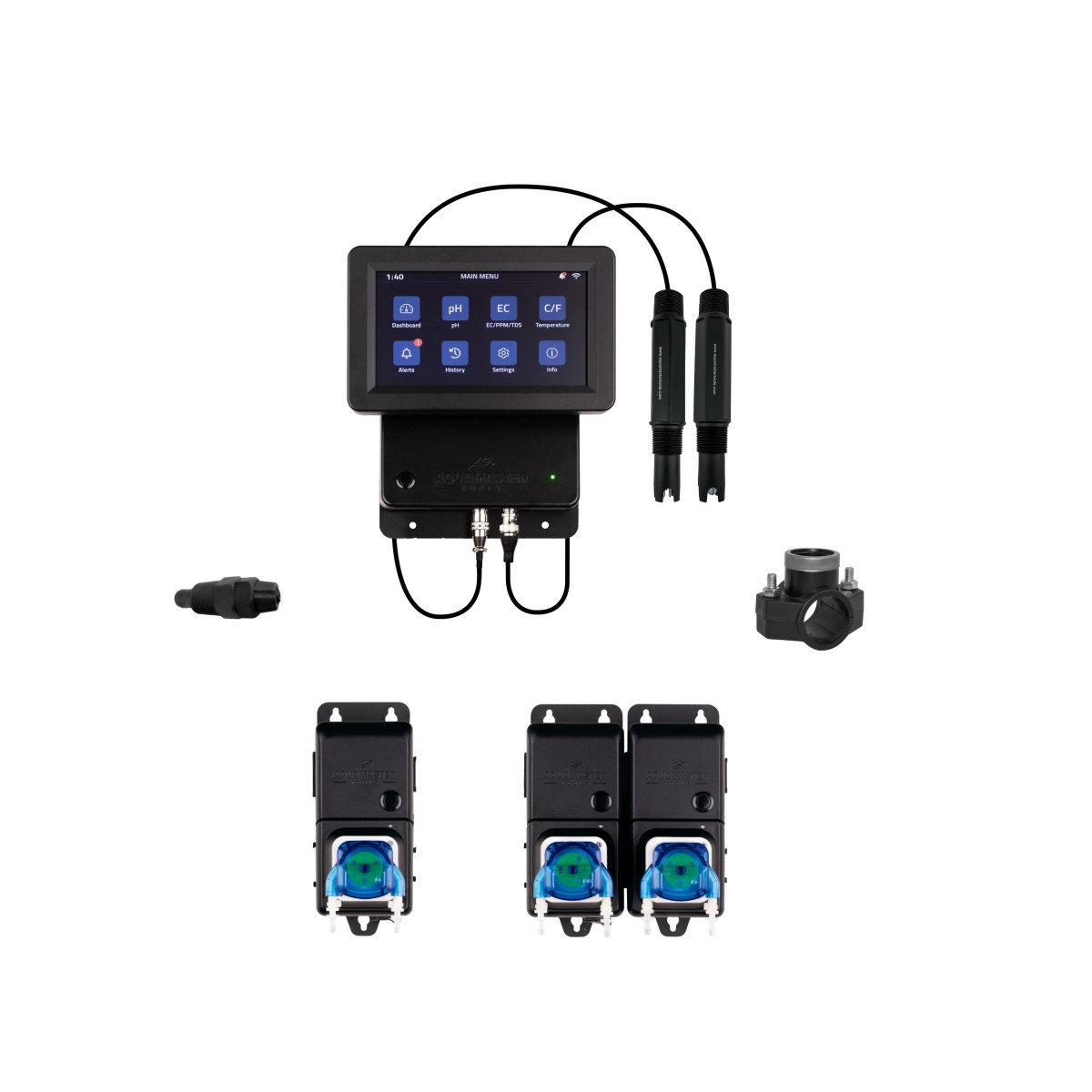
- C800 Pro Controller
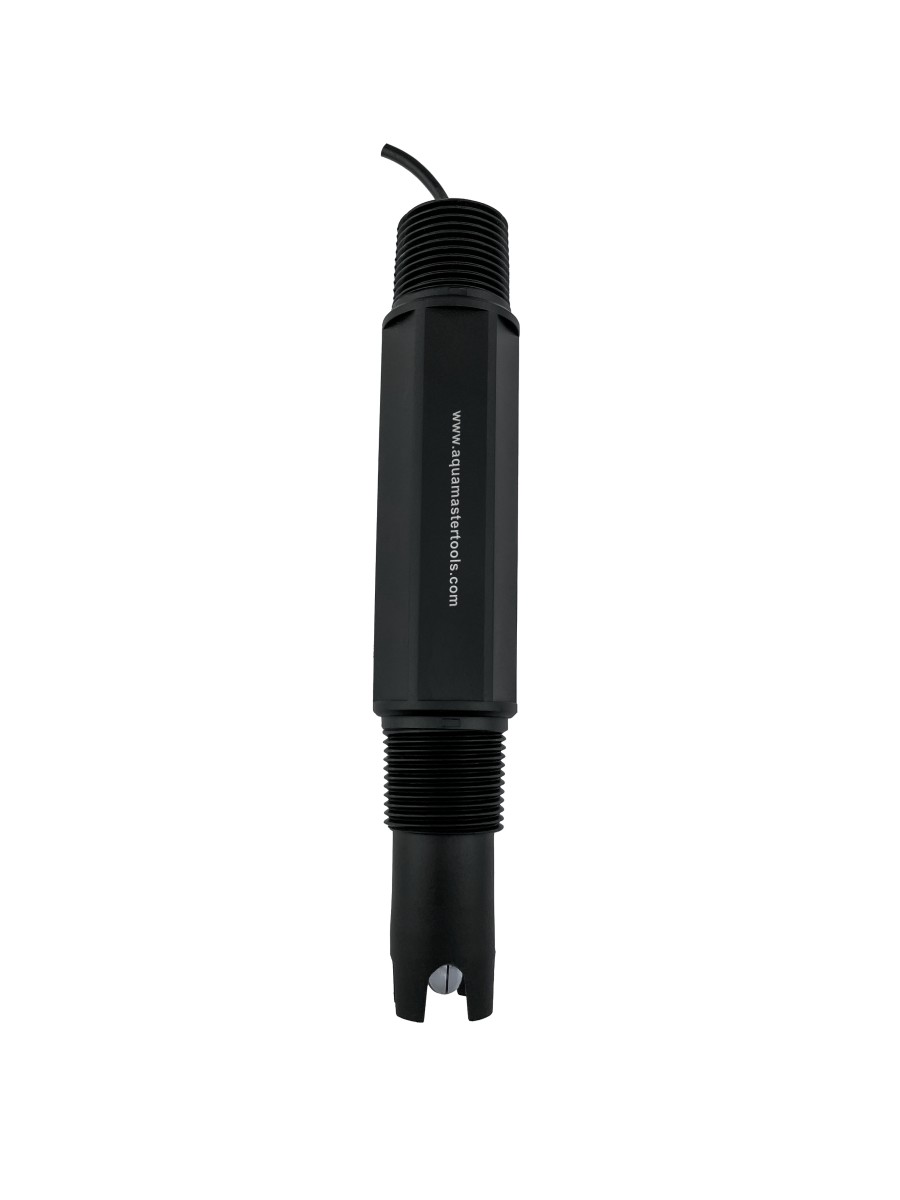
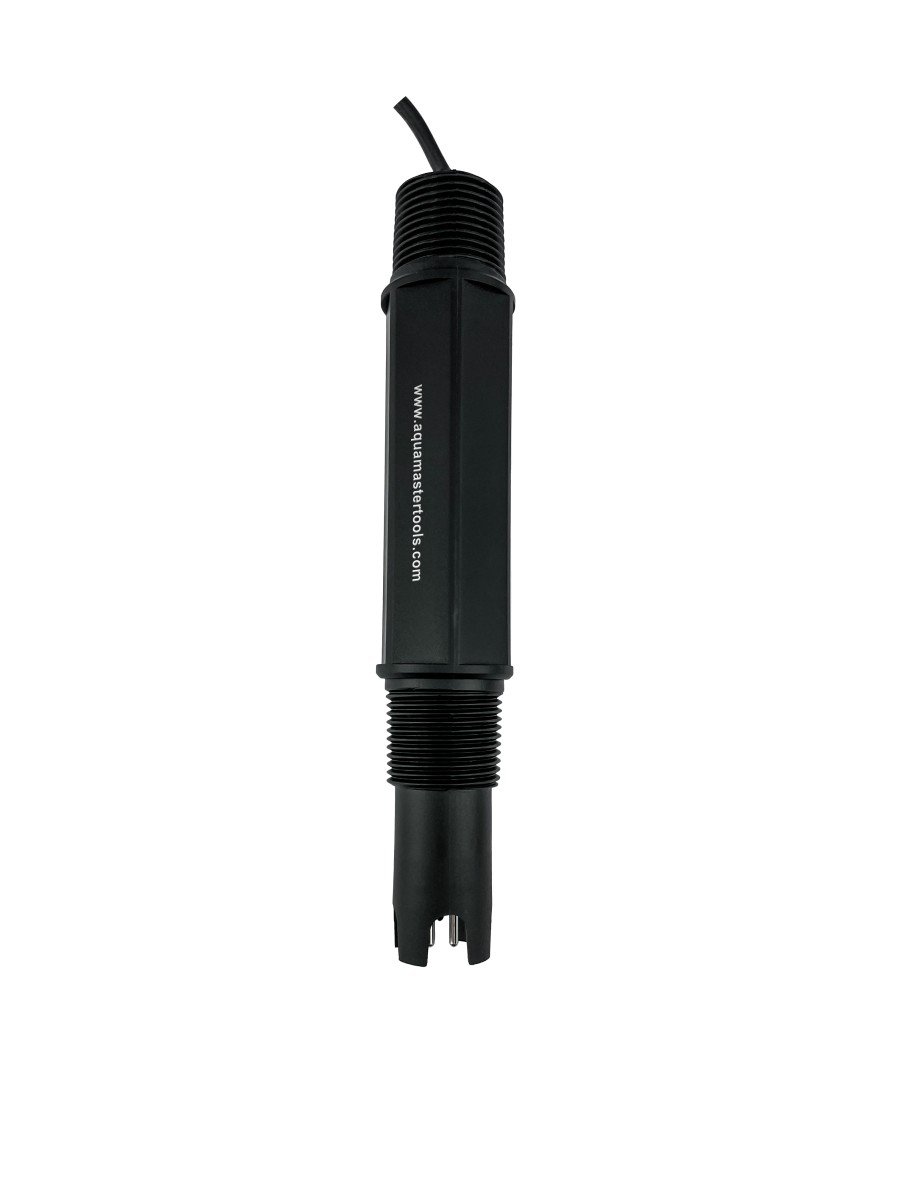
- Inline pH electrode (6 bar)
- Inline EC electrode (6 bar)
- 1x C10 Pump (pH dosing)
- 1x C20 Pump Unit (2 nutrient pumps)
- 2x 40 mm x 3/4 tapping saddles
- 3x 40 mm x 1/2 tapping saddles
- 3x 1/2 injection valves
Smart Control with the Aqua Master Tools App
The C800 Pro integrates seamlessly with the free Aqua Master Tools mobile app, available for Android and iOS via the Google Play Store and Apple App Store.
The app provides:
- Real-time monitoring of pH, EC, PPM, TDS and temperature
- Remote adjustment of setpoints
- Full control over dosing parameters
- Instant system overview
- User-friendly interface
- Secure and stable connectivity
- Cloud storage of dosing schedules
- Instant alarm notifications
- Access to historical graphs
With the app, growers can monitor and manage their system anytime and anywhere, ensuring complete operational control at all times.
Future-Proof & Fully Modular
The C800 Pro system grows with your operation. Additional nutrient pump units can be added later if required, or the system can remain configured as a standalone pH controller. Thanks to its modular structure, the controller remains the central platform. One system. Multiple possibilities.
Important to Know
This Inline version is designed for installation in a 40 mm PVC circulation loop inside the batch tank.
A separate circulation line must be created within the tank, where the water flow passes first along the inline pH and EC electrodes and then downstream past the injection valves. This flow direction ensures that freshly injected pH or nutrient solution is properly diluted and mixed in the batch tank before it is measured again. This prevents inaccurate readings caused by direct contact with concentrated dosing liquid.
The 40 mm PVC pipe and the circulation pump required to create this circulation loop are not included and must be supplied separately.
All required tapping saddles and injection valves for integration into a 40 mm PVC pipe are included in this kit.
Specificaties
C800 Pro Inline Advanced set pH Control + 2 Nutrients
- Shipped within 1 workday
- Customers rate us with 9,2/10
- World wide shipping
C800 - How to use hardware
C800 - How to use software
C800 - How to troubleshoot
|
Range |
pH: 0.00~14.00 pH |
| Resolution |
pH: 0.01 or 0.1 pH |
| Accuracy |
pH: ± 0.1 pH |
| PPM scale | 700PPM |
| Features | Battery indicator & automatic temp. compensation |
|
Calibration |
pH: 1, 2 or 3 point cal 4.0-7.0-10.0 pH EC: 1 point auto cal 1.4-3.0-12.88 EC |
|
Calibration indicator |
Adjustable calibration indicators |
|
Features |
Low high, pH, EC and temp alarms. Stop dosing in alarm state, save dosing settings, history diagram up to 1 year. |
| Power supply |
AC85~260V, 50~60Hz, with standard UK/EU/ AU/US plugs |
| Dimensions | 230 x 43 x 43 mm |
| Waterproof |
IP63 (electrodes are IP67 waterproof) |
|
Dosing |
On-time dosing: settable from 1 to 900 second Off-time: 0 to 60 minutes |
|
System requirements |
Android (8.0 or later) or iOS (12 or later) |
| Dimensions |
94 x 210 x 55 mm |
| Weight |
656 grams |
 |
Manual C800 pro |
Covered
- This device is warranted against defects in materials and workmanship for a period of one year. The electrode is warranted for six months.
- The warranty will be effective from the purchase date by the consumer. This warranty rule doesn’t apply to distributors, please contact your sales agent for more warranty details applied to distributors.
- Provide a proof of purchase (via receipt) when applying for the warranty.
- For warranty service, contact your purchase point.
- During the warranty period, the product will be repaired or replaced, if the defect is due to the state of materials and workmanship. during the time of purchase.
- After the repair of your product, the warranty will not be prolonged.
- If the same product isn’t available anymore, we will replace your product with a similar product.
Not covered
- For each product we have a troubleshooting warranty video available. In this video we provide more details on what isn’t covered by warranty for your purchased item.
- The product is obviously used and full of dirt and damage.
- Broken glassware and water damage outside of warranty.
- Damage and faults by inaccurate use of product and maintenance care.
- Damage by weather.
- Damage by use of parts from other brands than Aqua Master Tools.
- Damage by repairs done by other than Aqua Master Tools authorized dealers.
Customisable with modular pumps
The C800 Pro Controller is fully modular and can be configured to meet the user’s specific needs.
Connecting the pH Dosing Pump
The graphic below shows how to connect the pH dosing pump (C10) to the left UTP output of the controller.
Note: This output is dedicated to pH control. It enables automatic dosing of either a pH-lowering or pH-raising solution. The controller menu allows you to select whether the pump doses for pH up or pH down. If needed, the controller can also be used solely for pH regulation.

Connecting a Single Nutrient Dosing Pump
The graphic illustrates how to connect a single C10 dosing pump to the right UTP output of the controller.
This setup enables dosing of one nutrient type. The controller can be used as a standalone nutrient controller or in combination with pH control.

Connecting Two Nutrient Dosing Pumps
The graphic shows how the dual dosing pump unit (C20) connects to the right UTP output of the controller.
This setup allows for two different nutrients to be dosed. The controller can manage EC levels independently or together with pH control.

Connecting Three Nutrient Dosing Pumps
The graphic illustrates how to connect the triple dosing pump unit (C30) to the right UTP output of the controller.
This configuration supports dosing three different nutrients. The controller can be used for nutrient dosing only or combined with pH control for full automation.

Connecting Four Nutrient Dosing Pumps (C30 + C10)
In this setup, the graphic shows the C30 connected to the right UTP output, with the C10 added as an extension.
This allows for dosing four different nutrients. The controller can operate as a standalone nutrient system or in combination with pH regulation for fully automated nutrient and pH management.

Connecting Five Nutrient Dosing Pumps (C30 + C20)
The graphic below shows the C30 connected to the right UTP output, with the C20 added as an extension.
This setup enables dosing of five different nutrients. The controller can function independently for nutrient control or in combination with the pH controller for fully automated EC and pH regulation.
